Ganvexa Consulting

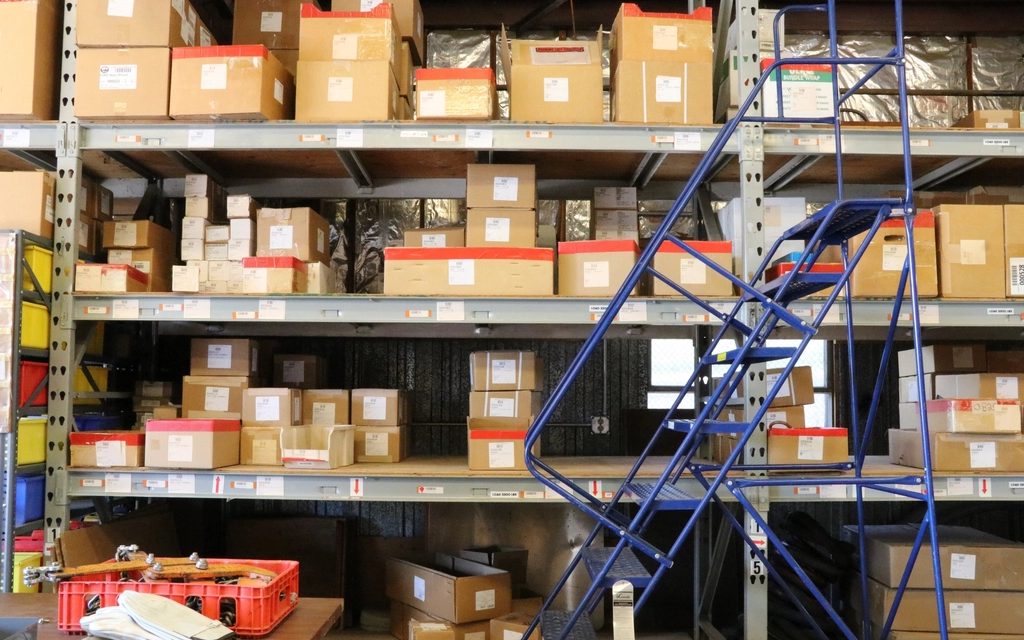
For a trading or distribution business, stock is most of what you own. Yet many distributors with two or three locations still track it in separate spreadsheets, a basic accounting package, or an old system that only the warehouse manager really understands.
The cost doesn't show up as one big loss. It shows up as dozens of small ones: lost orders, emergency purchases, slow-moving stock nobody noticed, and sales staff spending half their day phoning the warehouse.
Signs your stock setup is costing you
- Salespeople call or message the warehouse before confirming any order.
- You buy from suppliers while the same item is sitting in another location.
- Each branch reorders on its own, based on whoever looks at the shelf.
- Stock counts are a weekend-long event, and the numbers are still off afterwards.
- Nobody can say which items haven't moved in six months.
If three or more of those sound familiar, the issue isn't effort. It's visibility.
One view of stock, everywhere
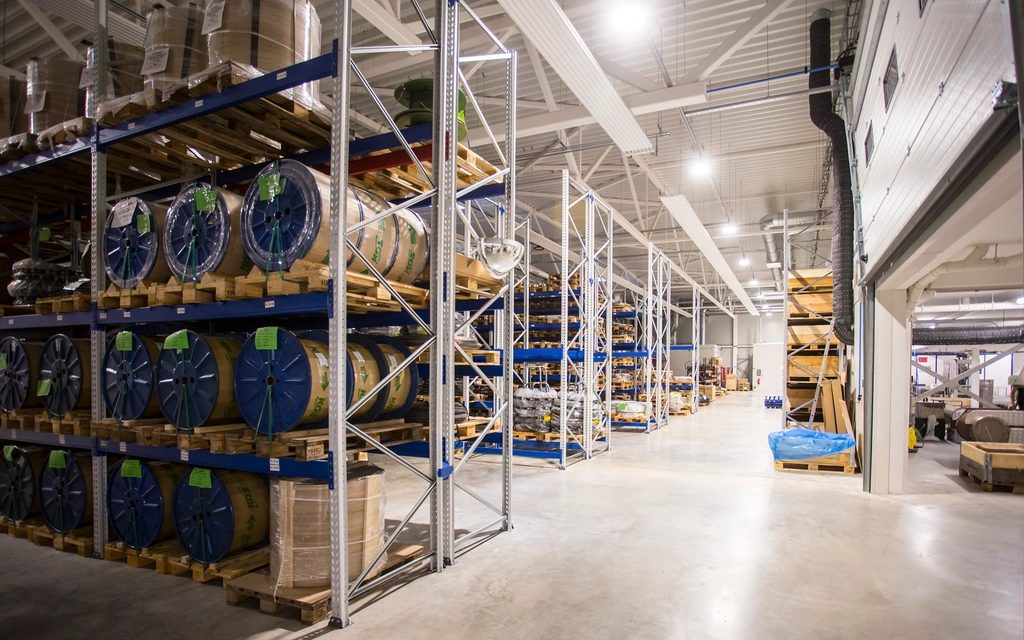
In Odoo, each warehouse is set up as its own location, but all of them live in the same system. A salesperson looking at a product sees what's available in each warehouse, what's already reserved for other orders and what's arriving from suppliers. They can confirm an order without making a phone call.
That one change usually removes more friction than anything else.
Reordering based on rules, not feelings
Each product can have a reordering rule per warehouse: a minimum level, a maximum level and a preferred supplier. When stock drops below the minimum, Odoo suggests what to buy, or a transfer from another warehouse that has spare stock.
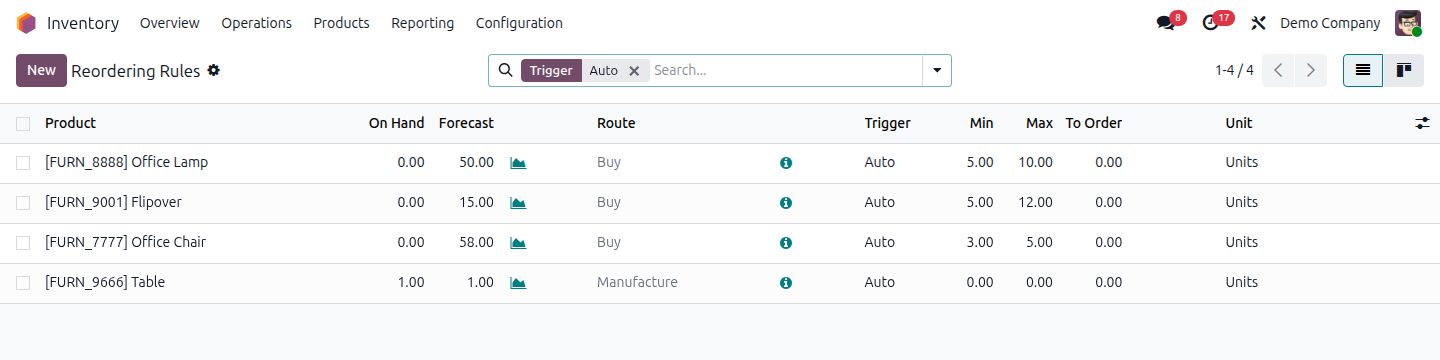
The value isn't the automation itself. It's that the decisions are written down. When someone asks "why did we order 500 of these?", there's a clear answer, and you can adjust the rule instead of arguing about it.
Transfers between warehouses
Moving stock between branches is normal for distributors, but it's also where stock goes missing. Something leaves one warehouse and never quite "arrives" at the other on paper.
Odoo treats a transfer as two steps: it leaves one location and is received at the other. Until it's received, it shows as in transit. Nothing disappears between the two.
Barcodes, if you're ready for them
For businesses with a lot of SKUs, scanning products at receiving, picking and delivery removes most counting errors. Odoo's barcode app runs on ordinary scanners and phones. It's worth doing, but only after the basic setup is working. Adding scanners to a messy process just makes the mess faster.
Where it usually goes wrong
From what we've seen, the software is rarely the problem. These are:
- Dirty product data. The same item under three codes and two descriptions. Clean this before go-live, not after.
- Units of measure. Bought by the carton, stored by the box, sold by the piece. If this isn't set up correctly, stock will never match.
- Skipping the opening count. If the starting numbers are wrong, everything after them is wrong too.
- Not training the warehouse. They're the people who keep the numbers honest. Train them first.
A sensible first step
If you're running on spreadsheets today, start with one warehouse and your top-selling products. Get those accurate in Odoo, let sales use it for a month, then roll the same setup out to the other locations. It's slower than switching everything at once, but it works. It's also how we phase most Odoo implementations for distributors.
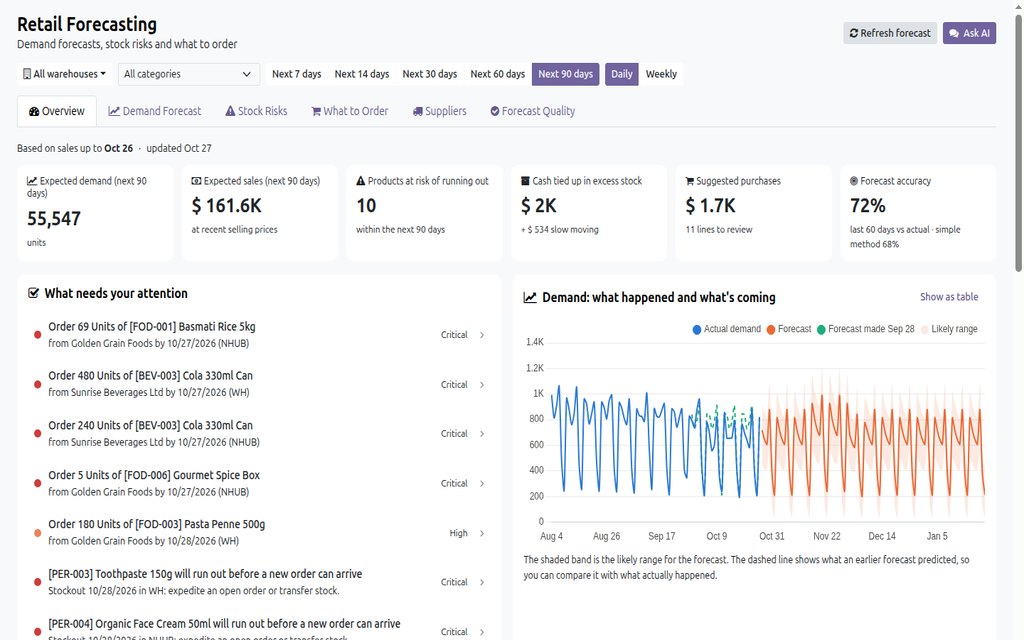
If your team also spends hours typing in orders that arrive by email or WhatsApp, read how AI can get them into Odoo without retyping. To decide what each warehouse should reorder, see AI demand forecasting and reorder suggestions in Odoo.
Common questions
Can Odoo manage stock across multiple warehouses?
Yes. Each warehouse is its own location in one database, with stock, reservations, incoming receipts and reordering rules tracked per warehouse.
How do inter-warehouse transfers work in Odoo?
A transfer leaves one warehouse and must be received at the other. Until it's received, the stock shows as in transit, so nothing disappears between branches.
Can AI demand forecasting work across several warehouses?
Yes. Forecasts and reorder suggestions can be calculated per product and per warehouse, so each branch gets its own list of what to order and what will run out.
Should we start with barcode scanning?
Only once the basic setup works. Scanning makes a clean process faster and more accurate, but it won't fix messy product data or unclear processes.
Odoo multi-warehousemulti-warehouse inventory managementinventory management for distributorsinter-warehouse transfersOdoo reordering rulesstock replenishmentAI stock managementwarehouse management in Odoo