Ganvexa Consulting

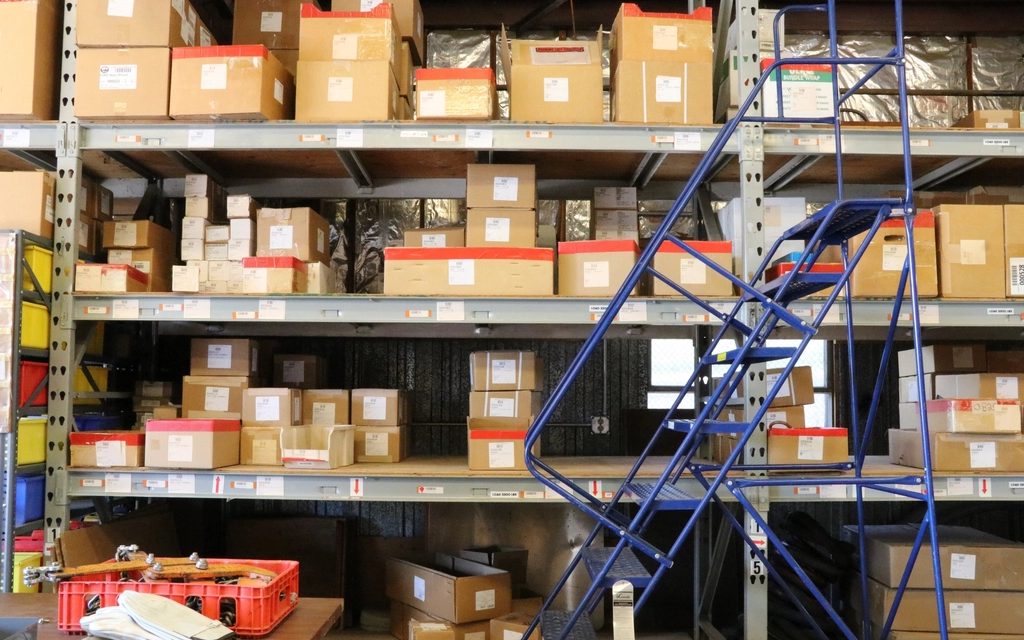
For many wholesalers and distributors, order entry is one of the biggest hidden costs in the business. It doesn't feel like a problem because it's just "how orders get in". But add up the hours, and the mistakes that come from retyping, and it's usually one of the first things worth automating.
What order entry looks like in most businesses
- Orders arrive across email, WhatsApp, phone calls and the occasional fax-style PDF.
- Product names don't match your codes. The customer writes "blue 20mm pipe", your system says PVC-P-20-BL.
- Someone checks prices, checks stock, and types each line in.
- Typos mean wrong items get delivered, and credit notes and re-deliveries follow.
- When the person who knows all the customers' shorthand is on leave, everything slows down.
What AI can realistically do here
Modern AI models are good at reading messy text and documents and turning them into structured data. That's exactly what order entry needs. A typical setup works like this:
- Collect. Orders from a shared email inbox and a WhatsApp Business number are picked up automatically.
- Read. AI reads the message or attachment and pulls out the customer, products, quantities, delivery date and any notes, including from scanned PDFs and photos.
- Match. Each line is matched to your product list in Odoo, using product codes, descriptions and what that customer has ordered before.
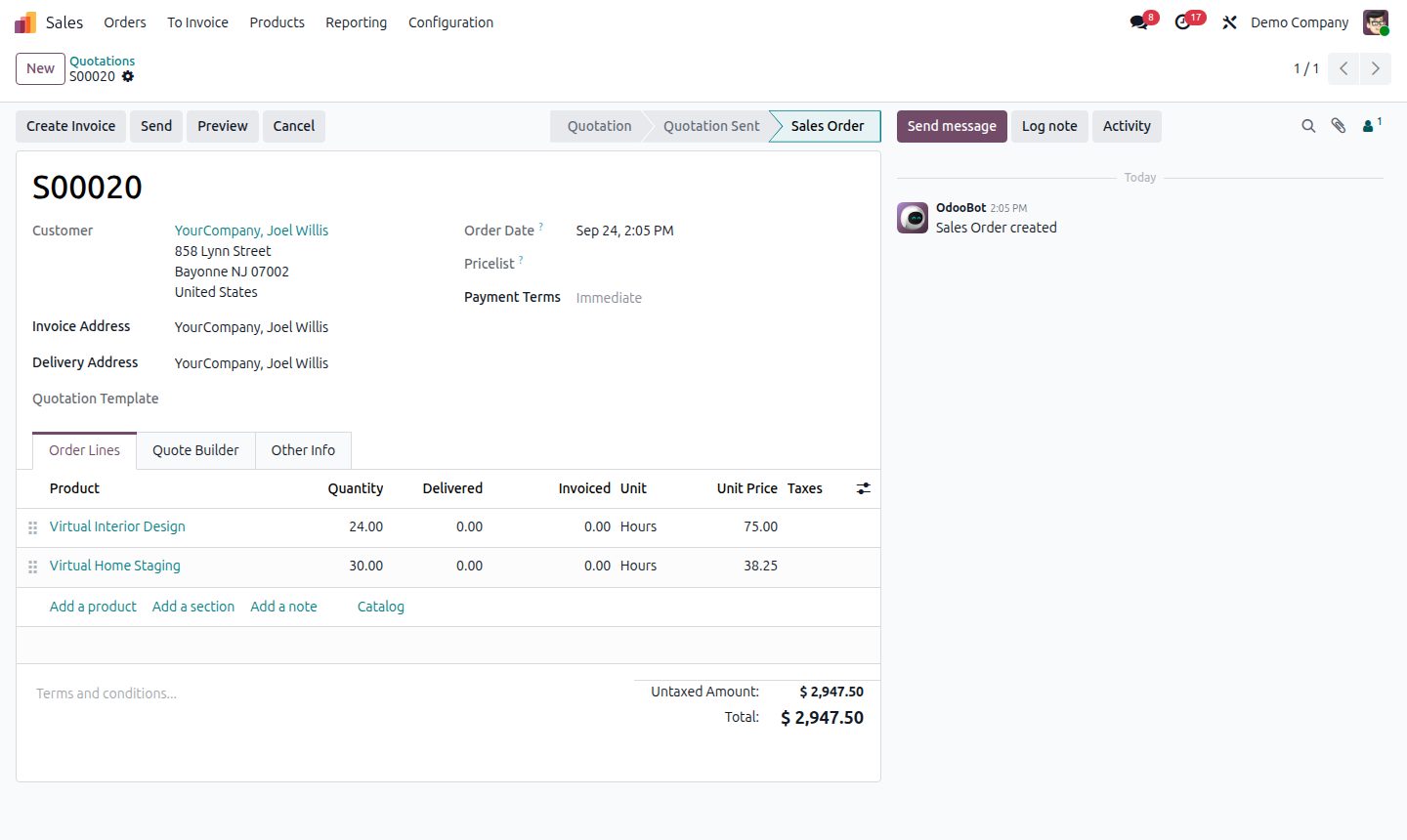
- Draft. A draft quotation is created in Odoo with the original message attached, and anything uncertain is highlighted.
- Review. Your team checks and confirms. They're now reviewing, not typing.
Why the "review" step matters
It's tempting to let AI confirm orders on its own. We don't recommend it, at least not at first. AI is accurate most of the time, but "most of the time" isn't good enough when the wrong pallet goes on a truck.
Keeping a person in the loop gives you most of the time saving with almost none of the risk. Over time, once you trust it, you can let simple repeat orders from regular customers go straight through.
The same idea works for supplier documents
The same approach handles the other direction too:
- Supplier invoices read and matched to purchase orders, with differences in price or quantity flagged.
- Order confirmations and delivery notes from suppliers checked against what you ordered.
- Delay emails read and linked to the purchase orders, and the customer orders, they affect.
What you need in place first
AI can only match orders to products if your product data is in reasonable shape. Before automating order entry, it's worth making sure:
- Product codes and descriptions in Odoo are clean and consistent.
- Customers' price lists are set up in Odoo, not in a separate spreadsheet.
- Common customer-specific names for products are recorded somewhere.
If those are messy, fix them first. You'll get better results from AI, and from your team too.
Is it worth it for your business?
A rough rule: if someone on your team spends more than an hour or two a day typing orders, it's worth looking at. Start with one channel, usually the shared email inbox, and expand once it's working. We set these flows up as part of our Odoo integration and AI & automation work.
We built something similar for a corporate services firm in Dubai, where the bottleneck was client documents rather than orders. Read the D&K Ventures case study to see how it worked there.
Common questions
Can AI create sales orders in Odoo from emails and WhatsApp messages?
Yes. An AI step can read the message or attachment, pull out the customer, products, quantities and dates, match them to Odoo products and create a draft quotation for review.
Can it read scanned PDFs and photos of handwritten orders?
In most cases, yes. Modern AI models read scanned documents and clear photos well. Anything it's unsure about is highlighted for a person to check.
What is AI order processing?
AI order processing reads orders that arrive as emails, WhatsApp messages, PDFs or photos, pulls out the customer, products, quantities and dates, and creates a draft sales order in your ERP for a person to review.
Is it safe to let AI confirm orders automatically?
We recommend starting with human review of every draft. Once accuracy is proven, simple repeat orders from regular customers can be confirmed automatically.
AI order entryAI order processingsales order automationWhatsApp ordersemail to sales orderPDF purchase order extractionAI document processingOdoo automation