Ganvexa Consulting

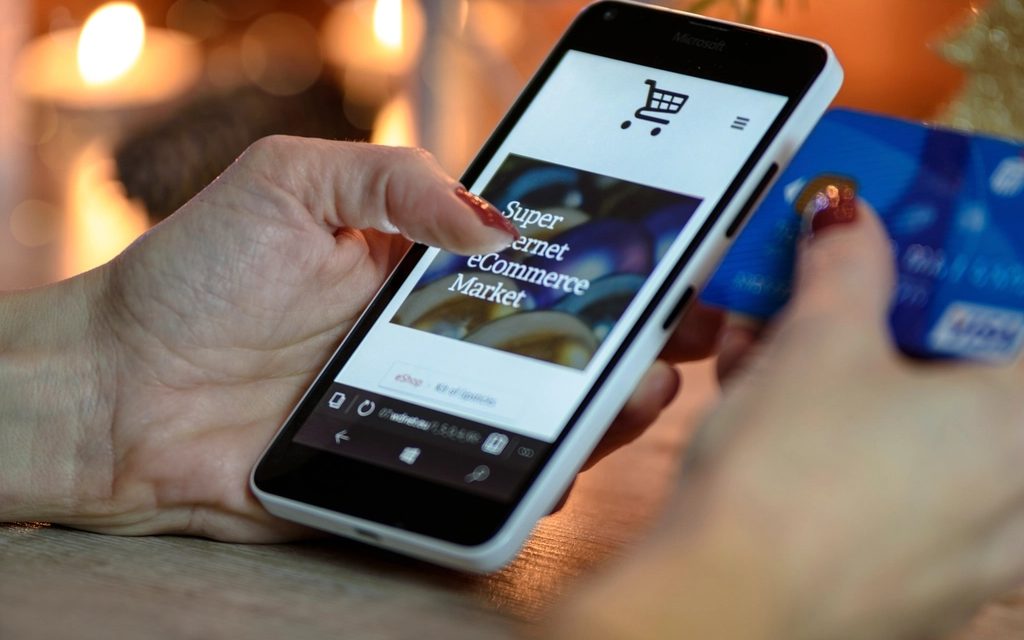
For retailers selling in more than one place (a physical shop, a website, maybe a marketplace or two), the hardest part isn't selling. It's knowing what you actually have.
Overselling is the obvious symptom. The less obvious ones are just as costly: stock held back "just in case", popular items hidden online because nobody trusts the number, and hours spent updating quantities by hand.
Why stock gets out of sync
- Each channel has its own stock count. The till, the website and the marketplace each think they know how many you have.
- Updates are manual or delayed. Someone exports a spreadsheet at the end of the day, or a connector syncs every few hours.
- Returns and exchanges aren't recorded everywhere. An item comes back to the shop but the website still shows it as sold.
- Bundles and variants confuse things. A gift set uses three products. Sizes and colours multiply the number of items to keep track of.
The fix: one stock figure that everything reads from
The most reliable setup is simple to describe: one system owns the stock, and every channel reads from it. In an Odoo setup, that system is Odoo.
- The shop till runs on Odoo Point of Sale, so every sale reduces the same stock.
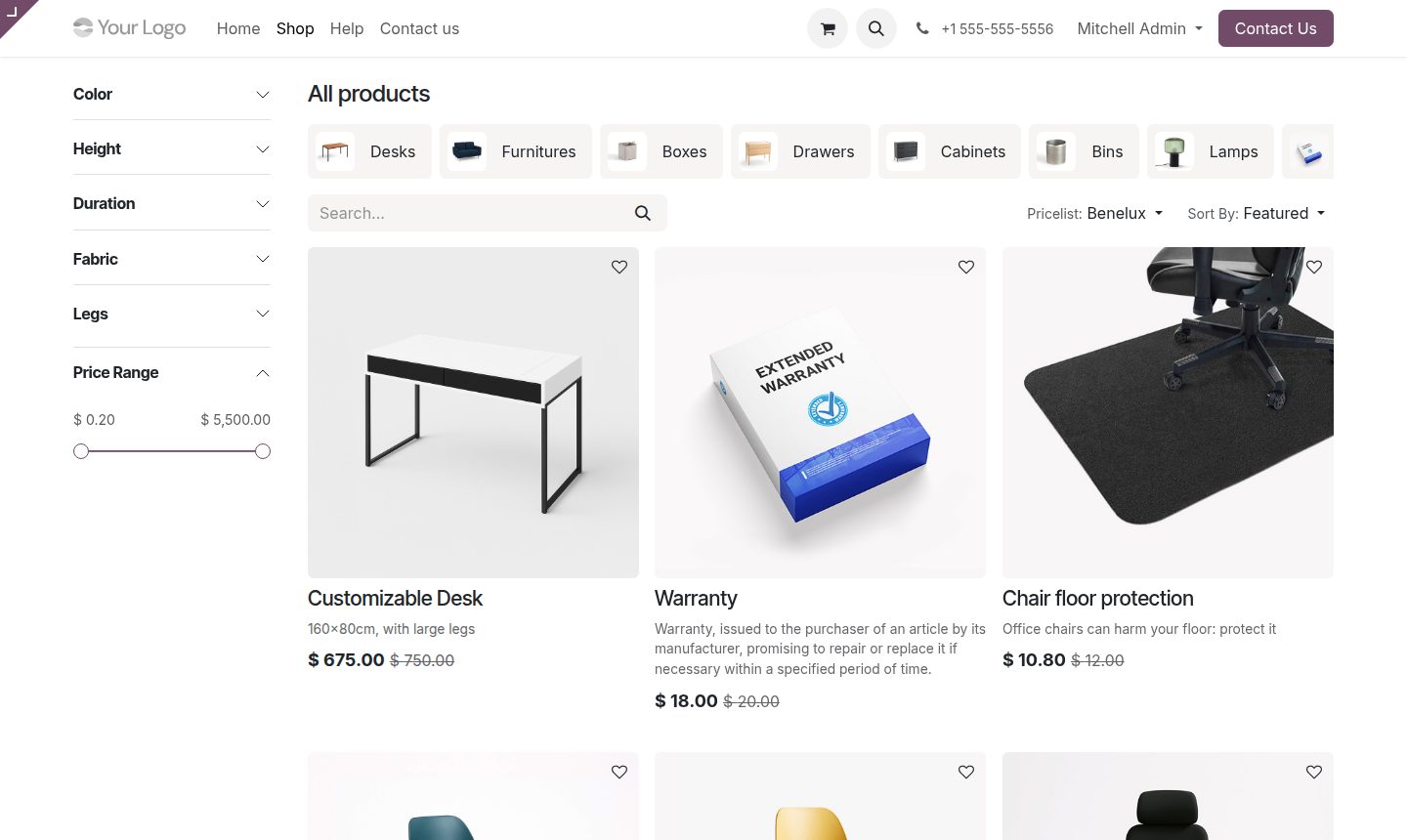
- The website can run on Odoo eCommerce, which uses the same products, prices and stock directly.
- Marketplaces or an external store are connected so orders come into Odoo, and available stock is pushed back out automatically.
Keep a small buffer for the channels you don't control
Even with good integrations, external marketplaces take a little time to update. For fast-selling items, it's worth showing slightly less stock online than you really have, for example holding back one or two units. You lose almost nothing, and you avoid most of the cancelled orders.
Returns, exchanges and click-and-collect
These are where many setups break. Odoo handles them as stock movements like any other: a return puts the item back into stock (or into a "check first" location if it needs inspecting), and a click-and-collect order reserves the item in the shop it will be collected from. Whatever happens, it happens in one system.
Where automation and AI help
Once stock is reliable, there's more you can do:
- Automatic reorder suggestions based on what's actually selling, by location.
- Alerts for items that are selling quickly online but sitting in the wrong shop.
- AI-drafted product descriptions for new items, checked by a person before they go live.
- Answers to common customer questions ("Is this in stock in your Downtown store?") using live Odoo data.
If you're already using another online store platform
You don't have to rebuild your website to get these benefits. Many retailers keep their existing online store and connect it to Odoo, so Odoo becomes the back office for stock, purchasing and accounting. Whether that's the right choice depends on how much your current store does for you, and how good the available connector is. We'd look at that with you before recommending anything.
A practical starting point
- Pick one source of truth for stock and stick to it.
- Clean up your product list, especially variants and barcodes.
- Connect your highest-volume channel first, test it through a busy weekend, then add the rest.
Common questions
How do I stop overselling across my shop and online store?
Use one system as the source of truth for stock and connect every sales channel to it. In an Odoo setup, Point of Sale and eCommerce share stock directly, and external channels sync through connectors.
Can I keep my current online store and still use Odoo?
Often, yes. Many retailers keep their existing storefront and connect it to Odoo for stock, purchasing and accounting. It depends on how good the available connector is.
What is omnichannel inventory management?
Keeping one stock figure for every place you sell: the shop till, your website and marketplaces. Each sale reduces the same count, so the same item can't be sold twice in different channels.
How does Odoo handle returns and click-and-collect?
As stock movements. A return puts the item back into stock or into an inspection location, and click-and-collect reserves the item in the store it will be collected from.
Odoo inventory syncomnichannel inventory managementstop oversellingOdoo POS and eCommercemarketplace stock syncreal-time stock syncretail inventory management